Let’s be honest: your AirPods have seen things. Gym sweat, pocket lint, mysterious crumbs… the whole buffet. But you don’t need a lab coat to get them clean and sounding fresh again. Grab a few simple tools, follow a few easy steps, and boom—your AirPods look less “ew” and more “ahh.”
What You’ll Need (No Fancy Gear Required)
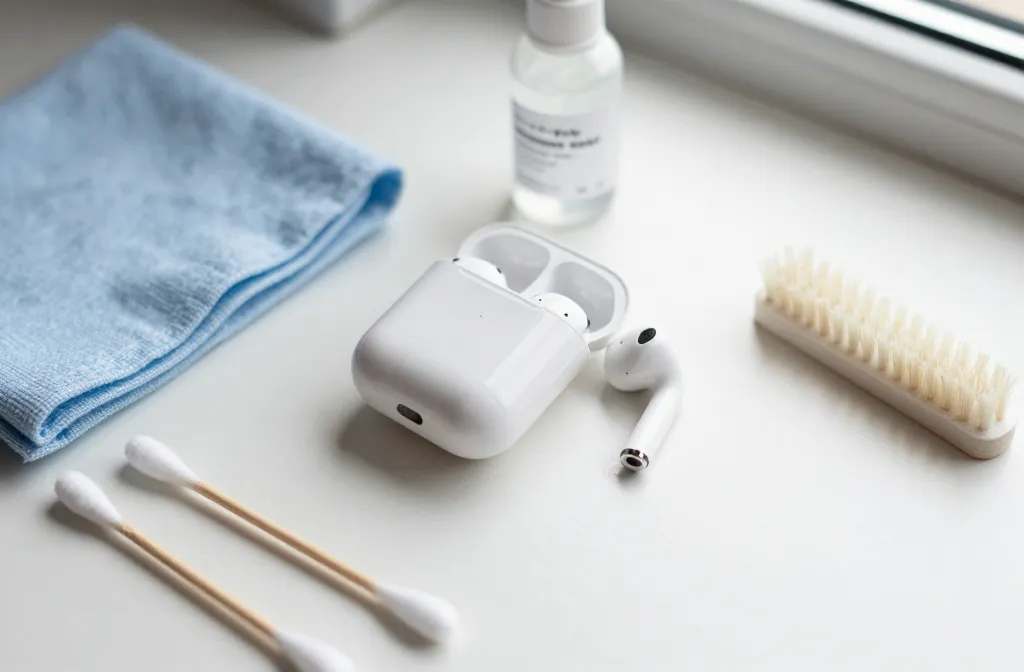
You don’t need a $50 cleaning kit from a “genius.” You need a few basics you probably already own. Keep liquids away from speaker meshes, and you’ll be fine.
- Soft, lint-free cloth (microfiber rules)
- Cotton swabs and/or soft brushes (clean, dry)
- Toothpick or wooden/paper tool (avoid metal)
- 70% isopropyl alcohol (for exterior only, very lightly)
- Electronics-safe putty (optional, for gunk in grills)
- Compressed air? Skip it. It can push debris deeper.
IMO, a microfiber cloth, a toothpick, and a dry brush do 90% of the job. Add alcohol for sanitizing the outside surfaces only—never on speaker meshes.
Step-by-Step: Clean the AirPods (All Models)
We’ll start with the earbuds themselves since they collect the most grime. Don’t worry—it’s strangely satisfying.
1) Wipe Down the Exterior
- Use a dry microfiber cloth to remove fingerprints and dust.
- For stuck-on grime, lightly dampen a corner of the cloth with 70% isopropyl alcohol and wipe the plastic exterior only.
- Immediately dry with the clean side of the cloth.
FYI: Alcohol can discolor rubbery materials—keep it away from ear tips and speaker meshes.
2) Tackle the Speaker Meshes
- Use a soft, dry brush to sweep away debris from the main mesh and mic openings.
- If you see wax, gently lift it with a wooden toothpick at a shallow angle. Think “feather touch,” not “archaeological dig.”
- Tap the AirPod upside down to shake loose particles. No liquids here—ever.
- Optional: press electronics-safe putty lightly onto the mesh to lift fine debris (test gently and avoid pressing it in).
Important: Never poke through the mesh. If you break it, audio quality can tank.
3) Clean the Stems and Sensors
- Brush around the black sensors and mic holes carefully.
- Wipe the stems with a cloth; if needed, use a lightly alcohol-dampened swab on the plastic only.
Those little sensors help with auto-pause. Keep them clean for fewer “why did my music stop?” moments.
If You Have Ear Tips (AirPods Pro Users, Hey)
Silicone tips trap sweat and skin oils. The good news? They pop off easily and clean fast.
1) Remove and Rinse
- Pull the tips straight off—don’t twist like you’re opening a soda bottle.
- Rinse tips in warm water only. No soaps or harsh cleaners.
- Pat dry with a lint-free cloth, then air-dry completely. Water + speakers = sad day.
2) Reattach Correctly
- Make sure the tips click back in securely. A loose seal = less bass and meh noise cancellation.
- Use the right size. Too big or too small and your Pros will constantly fall out or sound thin.
FYI: You can buy genuine replacement tips if yours stretched out or tore. Cheapos sometimes mess with sound and comfort.
Clean the Charging Case Without Wrecking It
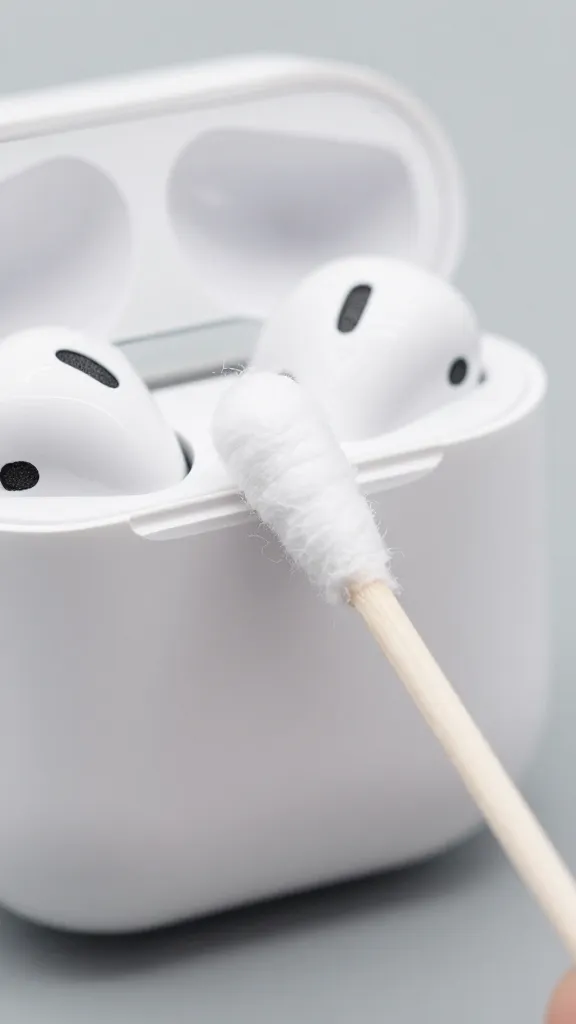
That case collects lint like it’s a hobby. Clean it gently, and avoid turning the lightning port into a lint graveyard.
1) Exterior First
- Wipe with a dry microfiber cloth.
- For scuffs, use a cloth lightly dampened with 70% alcohol, then dry immediately.
2) Inside the Case
- Use a dry brush or cotton swab to sweep debris out of the earbud wells.
- Dislodge lint carefully from the charging contacts with a dry wooden toothpick. Be gentle—those pins are delicate.
- Never pour liquid inside. If something sticky got in there, lightly dampen a swab with alcohol and clean the plastic surfaces only, keeping clear of the metal contacts.
3) Charging Port
- Turn the case upside down to let gravity help.
- Use a wooden or plastic pick to flick out lint from the port.
- A quick, careful brush can help. No metal tools, and avoid force.
Pro tip: A dust plug for the port can save you future headache. Not mandatory, but nice.
Deep-Clean Routine: Do This Monthly
If you wear your AirPods daily (gym warriors, I see you), give them a legit refresh once a month. It keeps sound clear and battery contacts happy.
- Remove tips (if applicable) and rinse/dry them fully.
- Brush meshes and mic holes gently; lift debris with a toothpick if needed.
- Sanitize exteriors with alcohol on a cloth—light touch.
- Clean the case inside and out, especially the charging wells and port.
- Let everything dry completely before reassembly and charging.
IMO, set a calendar reminder. Your ears (and your playlists) will thank you.
Fixing Common Issues After Cleaning
Sometimes you clean them and something still feels off. Here’s the quick triage.
One Side Sounds Quieter
- Recheck the mesh for wax—even a thin film can kill treble.
- Swap ear tips or sizes (for Pros). A better seal restores bass.
- Run the Ear Tip Fit Test (Settings > Bluetooth > AirPods Pro > Ear Tip Fit Test) to confirm seal quality.
Charging Inconsistently
- Clean the charging contacts in the case and on the stems.
- Remove any case skin that might block the lid or magnets.
- Check for lint in the Lightning/USB-C port and your cable.
Weird Autopause or Mic Issues
- Wipe the optical sensors and mic openings clean.
- Reset the AirPods: hold the case button until the light flashes amber, then white, and re-pair.
What Not To Do (Because I Care About Your Sanity)
- No water or cleaners on the meshes. Dry tools only there.
- No bleach, hydrogen peroxide, or ammonia. Overkill and potentially damaging.
- No sharp metal tools. One slip and you perforate the mesh or scratch contacts.
- No canned air at close range. It can push gunk deeper and add moisture.
- No charging while damp. Let everything air-dry fully first.
It’s tech, not dishes. Gentle wins.
FAQs
Can I use wipes on my AirPods?
You can use alcohol-based disinfectant wipes on the plastic exterior only. Avoid the speaker meshes, ear tips, and charging contacts. Dry immediately afterward. If a wipe feels too wet, squeeze it first.
How often should I clean them?
Quick wipe weekly, deeper clean monthly. If you work out with them or wear them every day, bump it to every 1–2 weeks for the meshes and ear tips. Consistency prevents stubborn buildup.
What if I got water in the case?
Remove the AirPods, turn the case upside down, and let it air-dry for at least 24 hours in a dry area. Don’t use heat or rice. If charging still fails after it dries, you may need service.
My AirPods smell weird. Help?
That’s usually trapped sweat or old cleaner residue. Wipe exteriors with a lightly alcohol-dampened cloth, rinse ear tips with water (if you have Pros), and air-dry thoroughly. Keep them out of gym bags without a case—your nose will notice.
Can I use a toothbrush?
Yes, if it’s soft-bristled and clean. Use it dry on meshes and crevices. Don’t brush aggressively, and don’t use toothpaste (I wish I didn’t have to say that, but here we are).
Do third-party ear tips affect cleaning or sound?
Sometimes. Some foams hold more moisture and dirt, which means more frequent cleaning and longer dry times. Sound and ANC can change too. FYI, Apple’s silicone tips stay the most consistent, IMO.
Conclusion
Clean AirPods look better, sound clearer, and charge reliably. The whole process takes ten minutes and way less effort than pretending you don’t see that earwax. Grab a cloth, a brush, a toothpick, and give them a mini spa day. Your ears—and your playlists—deserve it.