Your phone goes everywhere with you—pockets, bathrooms (don’t lie), gym benches, coffee shop tables. It touches your face, your hands, and sometimes the floor during those “oops” moments. So yeah, it gets gross. The good news? You can clean it fast, safely, and without ruining anything. Let’s make that screen sparkle and your thumbs a little less… questionable.
Why Your Phone Gets So Grimy (And What You’re Dealing With)
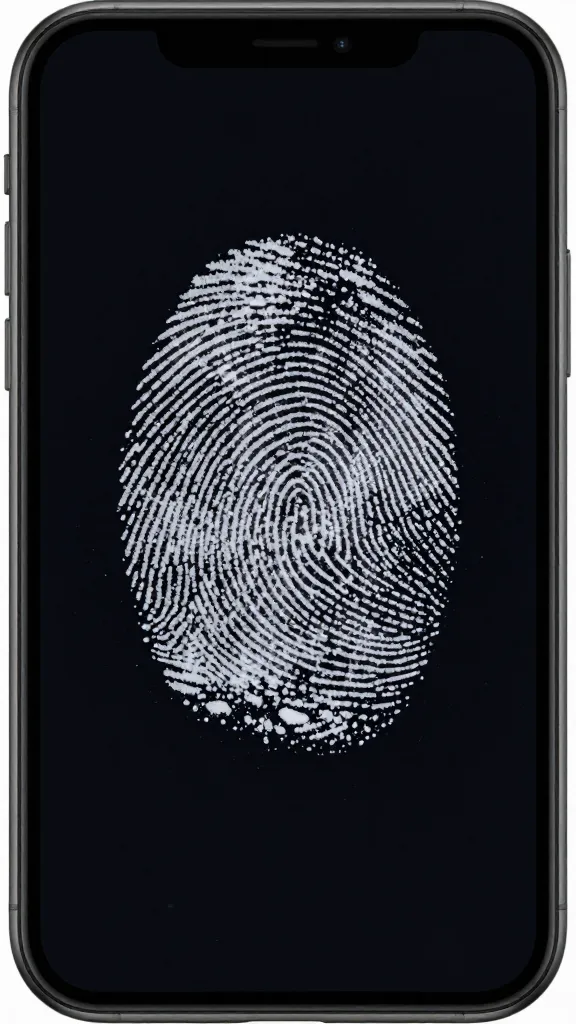
Your phone collects oils from your skin, lint from your pockets, and grime from surfaces you don’t want to think about. Add makeup smears, fingerprints, and maybe a splash of latte foam. That’s your daily layer cake.
Here’s the mix:
- Skin oils and lotions that smear and attract dust
- Makeup and sunscreen that form stubborn films
- Food residue from scrolling while snacking (we all do it)
- Bacteria because your phone basically lives on your hands
FYI: You don’t need to nuke it with harsh chemicals. You just need the right routine.
What You Need (And What To Avoid)
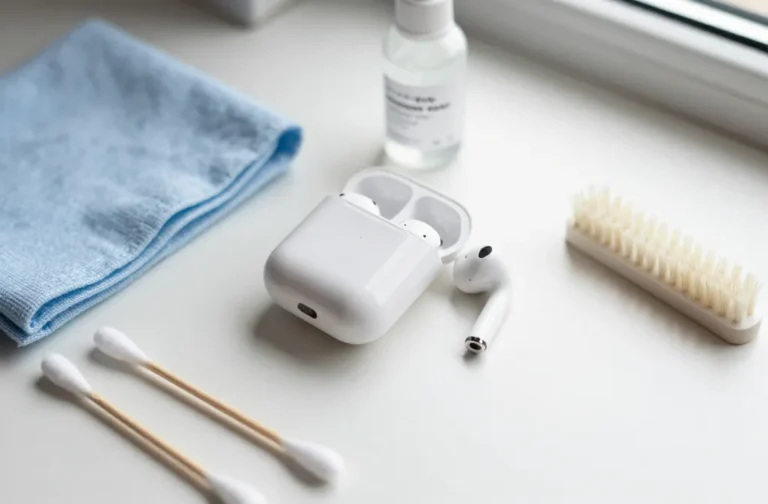
Keep it simple. You likely own most of this already.
Do use:
- Microfiber cloths (soft, no lint)
- 70% isopropyl alcohol wipes or a spray (lightly applied to cloth)
- Distilled water (avoids mineral spots)
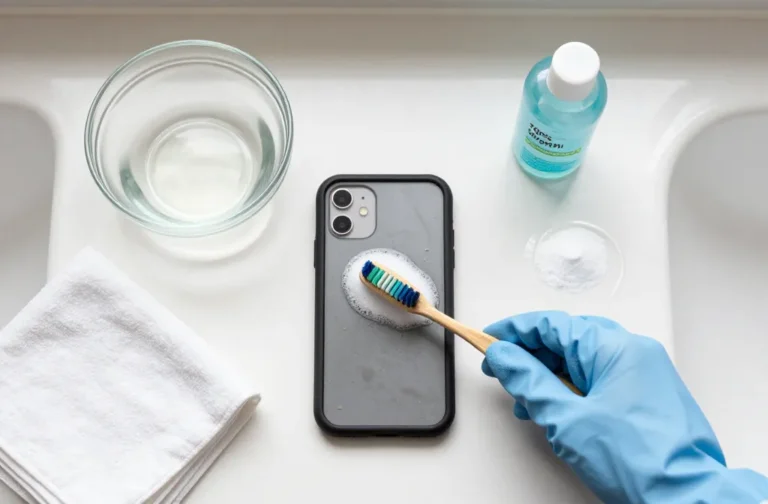
- Soft brush or clean, dry toothbrush for ports and seams
- Wooden toothpick for stubborn gunk in speaker grills
- Screen-safe cleaning wipes approved for electronics
Avoid (seriously):
- Bleach, ammonia, window cleaner (can strip coatings)
- Pure alcohol or vinegar (too harsh full-strength)
- Abrasive cloths or paper towels (scratch city)
- Compressed air directly into ports (can push debris deeper)
- Spraying liquids directly on your phone (hello, speaker damage)
The Quick Daily Clean (60 Seconds)
When you don’t have time for a spa day, do this mini-routine.
- Power it off. Safer for electronics and easier to see smudges.
- Wipe the screen with a dry microfiber cloth in small circles.
- Hit the back and sides—especially where your hand grips it.
- Polish the camera lenses with a clean corner of the cloth.
Done. Your phone looks 80% better already, and your selfies just improved.
The Deeper Clean (Once a Week)
This is the “reset” your phone deserves.
- Turn off your phone and unplug everything.
- Remove the case. Trust me, it’s hiding crimes.
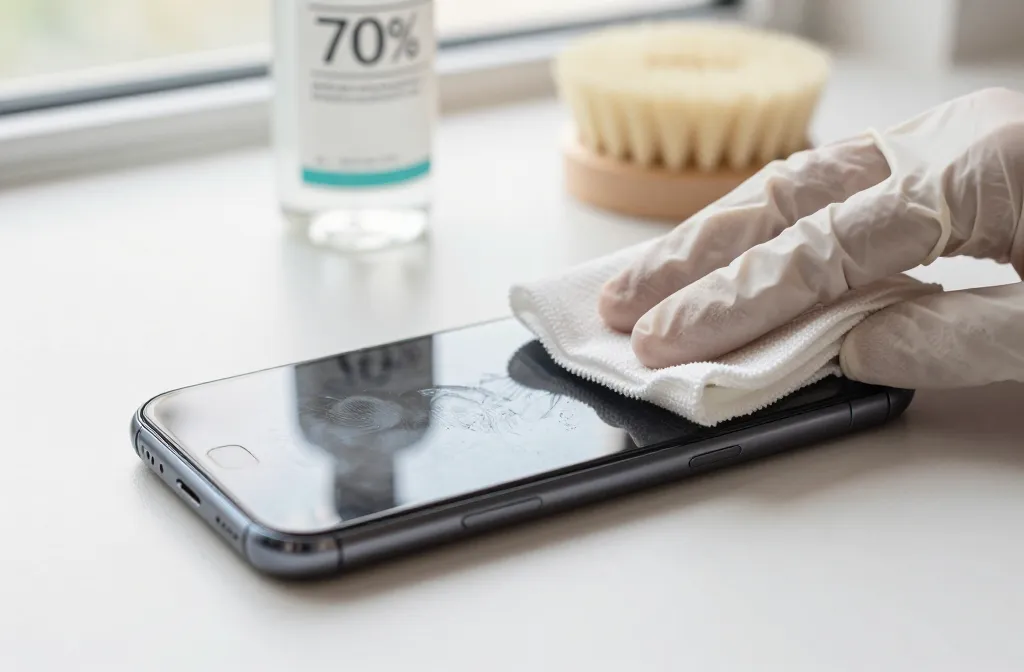
- Wipe the phone body and screen with a slightly damp microfiber cloth. Use distilled water or a 70% isopropyl alcohol solution applied to the cloth—never directly on the device.
- Clean the case separately. Plastic/silicone? Warm water and mild dish soap. Leather? Use a leather-safe cleaner and go gentle.
- Detail the nooks and crannies. Use a soft brush around buttons, seams, and speaker grills. Dislodge lint in the charging port with a wooden toothpick. Be patient—don’t jam it.
- Disinfect (lightly). Use a 70% alcohol wipe across the screen and back, avoiding openings. Let it air-dry for a minute.
- Clean the camera lenses and sensors last. Gentle, circular buff with microfiber. If needed, a dab of lens cleaner on the cloth.
- Dry the case completely before popping it back on. Moisture + phone = bad vibes.
Special Care for Screen Protectors
If you use tempered glass, treat it like the real screen. If it’s scratched or constantly smudgy even after cleaning, replace it. They’re cheap insurance.
Cleaning Different Materials Without Ruining Them
Phones and cases come in many flavors. Don’t treat leather like silicone, and don’t flood soft-touch finishes.
Silicone and TPU Cases
- Soak in warm water with a drop of dish soap for 10 minutes.
- Scrub gently with a soft brush. Rinse and pat dry.
- Yellowing? That’s oxidation. You can’t fully reverse it. IMO, just replace.
Leather Cases
- Wipe with a barely damp cloth. No soaks.
- Use leather cleaner sparingly, then condition occasionally to prevent cracking.
- Accept the patina. It’s part of the charm.
Aluminum or Stainless Frames
- Microfiber with a light alcohol solution works well.
- Avoid abrasive pads—they’ll scratch immediately.
Fabric or “Woven” Cases
- Spot clean with diluted mild soap and water.
- Blot—don’t rub—or you’ll fuzz it up.
What About UV Phone Sanitizers?
UV-C boxes look cool and feel fancy. They can reduce bacteria on surfaces, sure, but they don’t remove oils, dirt, or crumbs. Think of them as a bonus step, not a replacement. If you use one, still clean your phone physically
Port and Speaker TLC (So You Don’t Wreck Them)
Gunk in your charging port causes flaky connections and slow charging. You fix that carefully.
- Power off the phone.
- Use a wooden toothpick to gently lift lint from the port. Scoop, don’t stab.
- Brush speaker grills side-to-side with a soft brush to lift debris.
- Skip metal objects. They can bend pins and turn your day into a repair appointment.
Headphone Jacks (If You Still Have One)
A quick twist with a dry cotton swab usually does the trick. If something’s sticky in there, stop and see a pro before you push it deeper.
Make It Last: Habits That Keep Your Phone Cleaner
A few tweaks reduce the gunk so you clean less often. Win-win.
- Wash your hands before long scrolling sessions. Sounds obvious. Works wonders.
- Avoid makeup transfer by using speaker mode or earbuds when possible.
- Keep a microfiber cloth in your bag or desk. Quick wipes beat monthly scrubbing.
- Don’t set your phone face-down on sketchy surfaces. That glass picks up everything.
- Swap your case every 6–12 months or when it stretches/discolors.
FAQ
Can I use Clorox or Lysol wipes on my phone?
Yes—if the manufacturer says it’s safe. Most modern phones with oleophobic (oil-repellent) coatings handle alcohol-based wipes fine. Avoid bleach wipes and don’t scrub hard. Wipe gently, avoid ports, and let it air-dry.
How often should I clean my phone?
Do a quick microfiber wipe daily, and a deeper clean weekly. After gyms, flights, or public transit? Give it an extra wipe. It takes 30 seconds and saves you from the fingerprint museum.
Will alcohol ruin my screen coating?
Used correctly, no. 70% isopropyl alcohol on a microfiber cloth won’t strip your coating in normal use. Don’t soak it, don’t use pure alcohol, and don’t scrub like you’re sanding furniture.
What’s the best way to clean camera lenses?
Use a clean microfiber cloth and light circular motions. If smudges persist, a tiny spritz of lens cleaner on the cloth (not the lens) helps. Keep lenses clean and your photos instantly look sharper. Magic? Not really—just physics.
Can I rinse my phone under the tap if it’s water-resistant?
You can, but I wouldn’t. Water resistance isn’t waterproof. Gaskets age, hairline cracks happen, and speakers hate water. IMO, stick to damp cloths and targeted cleaning instead of showers for your phone.
Do screen protectors affect cleaning?
A little. They smudge differently and sometimes hold oils more. Clean them the same way you clean the screen. If smudges linger or edges lift, replace the protector—it’s doing its job.
Conclusion
Your phone deserves more than a sleeve wipe on your jeans. With a microfiber cloth, a bit of 70% isopropyl, and five minutes a week, you keep it clean, snappy, and photo-ready. Protect your ports, be kind to coatings, and don’t overthink it. Clean phone, happier thumbs—and fewer mystery smears on your face.